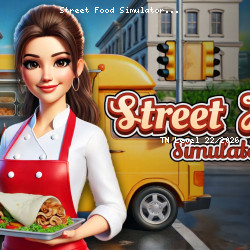
Play Street Food Simulator Online
Virtual Projects • 128.9K Plays • 257.8K Views • star 4.4 (3.1K)
All
Device
3.1K ratings
Rate This Game
gamepad How to Play Street Food Simulator
Controls
Desktop Controls
- Move = Use the arrow keys to navigate around the truck.
- Look Around = Move your mouse to rotate the camera and look around.
- Pick Up Items = Press the Spacebar to pick up boxes.
- Place Items = Press R to place food or tools on a counter or shelf.
- Throw Items = Press C to discard boxes or trash.
Mobile Controls
- Move = Use the joystick to navigate around the truck.
- Look Around = Drag on the right side of the screen to rotate the camera.
- Pick Up Items = Tap the screen while looking at a box to pick it up.
- Place Items = Tap the Place button (top right) to place food or tools on a counter or shelf.
- Throw Items = Tap the Throw button (top right) to discard boxes or trash.
info About Street Food Simulator
Street Food Simulator is an interesting destination for anyone wanting to explore more free games games in the browser. Discover Street Food Simulator and enjoy exciting gaming moments. The gameplay allows players to jump straight into action.
If you're a fan of Casual online instant play, Mobile, Food, 3D, Simulation, Business, Management, this game is definitely worth trying. With the help of unity, the game maintains fast loading and smooth responses.
Experience Street Food Simulator today on TNLVL. Discover more exciting challenges in BULLets in a China Shop and WORM.